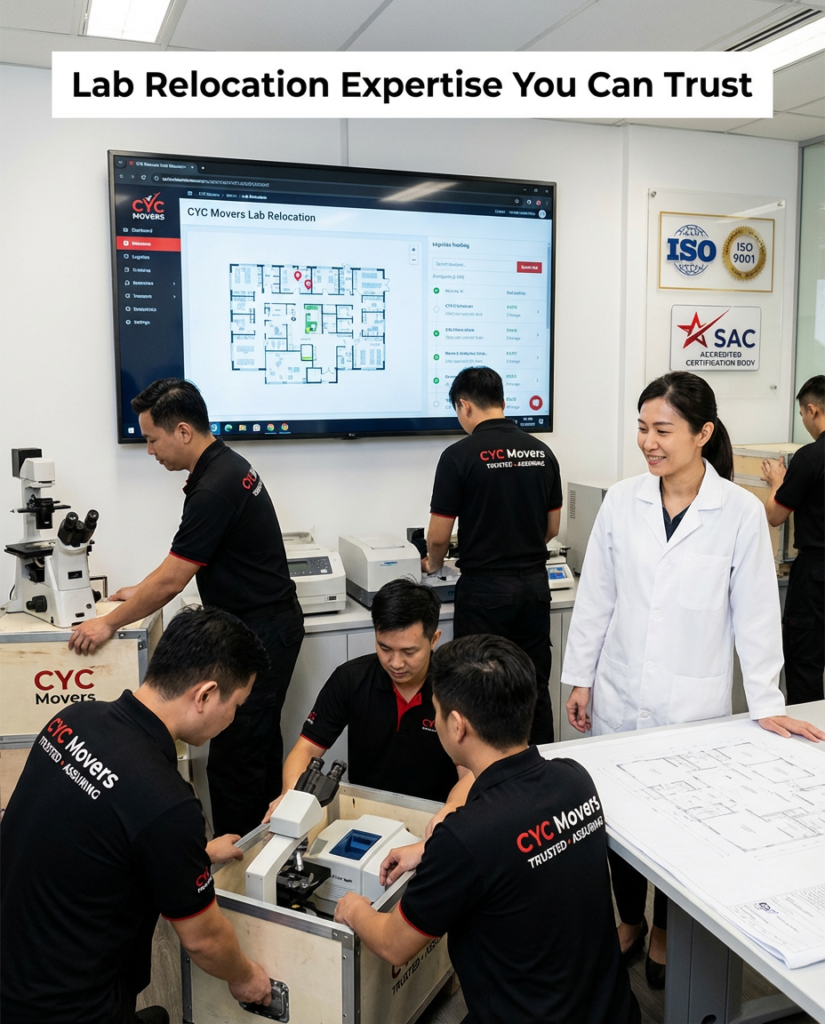
Relocating servers is one of the most high-risk and technically demanding tasks in any office move. Unlike shifting desks and chairs, your servers contain critical data, manage business applications, and form the backbone of both internal and external operations. Moving them requires far more than simply unplugging a few cables and packing machines into crates. Every step, from shutting systems down to reinstalling and testing them, must be carefully timed, planned, and executed with precision.
That is where office relocation IT services truly become essential. With the right team and a solid plan, you can relocate servers without risking long downtimes, data loss, or service interruptions. This guide will help you understand what to expect before, during, and after the relocation process so you can prepare with confidence.
Before the Move: Strategic Planning and Preparation
A successful server relocation begins well before moving day. You will need weeks of preparation, technical evaluation, and careful collaboration between your IT team, office relocation IT services, and any third-party vendors involved.
1. Conduct a Full Audit of Your Server Infrastructure
You cannot move what you have not accounted for. The first crucial step is to conduct a comprehensive audit of your entire server infrastructure. This means building an accurate inventory of every server, network switch, router, rack, patch panel, power backup unit, and related equipment. Each piece should be documented with model numbers, serial numbers, power requirements, and the physical rack location in which it sits.
In addition to listing out devices, document network diagrams, software versions, and dependencies between systems. Many relocation teams also photograph the current rack layouts and cable arrangements to ensure an accurate, quick reinstallation at the new site. A precise, complete inventory is the foundation for every other planning step and will help avoid costly mistakes or confusion later.

2. Assess Risks and Define Priorities
After documenting your assets, you need to understand what is most important and what risks exist if systems go offline. Not all servers can shut down at once. Some are mission-critical and must be relocated in carefully planned phases to avoid business disruption, while others with cloud-based redundancy might be scheduled for an earlier move.
Together with your IT leadership and your chosen relocation service, define a priority list. Create a phased plan for how to shut down, pack, transport, and restart systems with minimal disruption. You should also establish a risk matrix with potential worst-case scenarios and have a clear escalation plan if something goes wrong. It is also the perfect moment to decide whether certain outdated or redundant systems should be decommissioned instead of moved.
3. Verify Data Backups and Disaster Recovery
Even with flawless planning, things can go wrong during a move. That is why you must confirm that you have current, verified backups of all critical data. Before you disconnect a single cable, make sure you have comprehensive system backups, application data, databases, and configuration files safely stored.
These backups should be protected in multiple secure locations, ideally with at least one offsite or cloud copy. Do not just assume a backup will work — actually test the restoration process to make sure you can bring systems back online if there is a failure. This step is one of the strongest safety nets you can build during a relocation project.
4. Prepare the Destination Site
A server room is not just any room. You must ensure that your new location is fully prepared to receive sensitive equipment. Check that the racks are properly installed, grounding and redundant power feeds are in place, and cooling systems are functioning correctly. Network cabling should be ready, and security systems, including cameras, access controls, and fire suppression, should be operational.
Environmental monitoring and proper airflow planning also need to be completed before your equipment arrives. Some organizations use this opportunity to modernize their infrastructure or virtualize systems to reduce future relocation risks. By verifying everything in advance, you avoid delays and complications on move day.

5. Develop a Relocation Timeline and Communication Plan
A strong timeline is the glue that holds a relocation together. Document every step of the move, from initial shutdown to testing and user acceptance. Assign responsibilities to specific team members and list clear points of contact, both internally and with outside partners.
Regular communication with employees, IT staff, relocation specialists, and department heads is critical. Provide everyone with clear expectations about when systems will be offline, when they will come back, and who to contact with questions. Consistent updates before, during, and after the relocation help build trust and prevent frustration.
During the Move: Execution and Physical Handling
This is the stage where most companies feel the pressure. All the planning now comes down to careful execution. Here is what typically happens during the actual move.
1. Controlled Shutdown and Disconnection
Shutting down systems is never as simple as flipping a switch. Your IT team, along with relocation technicians, will coordinate a careful, structured shutdown to protect data integrity. Applications are properly closed, users are logged off, and devices are powered down through secure controls.
Every piece of equipment will be labeled with its function, port details, and rack location so it can be reconnected accurately later. Cabling is disconnected in a documented, step-by-step way, and photos are often taken to supplement written records. This process prevents errors during reinstallation and saves time once you arrive at the new facility.
2. Safe Packing and Anti-Static Protection
Your servers and networking equipment are sensitive and valuable. Professional relocation teams will pack each component using specialized anti-static materials, heavy-duty foam inserts, and secure crates designed to absorb shocks and protect against moisture or vibration. Tamper-evident seals are applied for security, and each crate is carefully balanced to avoid movement during transit.
Cross-checking all equipment against the inventory before loading gives your team confidence that nothing will be missed or left behind. With these professional packing methods, the odds of damage are drastically reduced.

3. Secure and Tracked Transport
Transporting servers safely requires more than an ordinary truck. Professional moving teams use vehicles with climate control and vibration-dampening features to protect electronics from sudden jolts or temperature swings.
Inside, equipment is securely fastened, and GPS tracking allows you to monitor the shipment’s progress in real time. High-quality movers also have robust security protocols to prevent unauthorized access along the journey. Investing in transit insurance provides peace of mind against rare but costly incidents. These safeguards ensure your equipment arrives intact and ready to be installed.
4. Coordination at the New Site
Once the servers reach their new location, the work is not finished. Technicians will confirm each piece of equipment against your inventory list before unpacking. They will inspect everything for visible damage before beginning installation.
Servers are placed in their assigned racks, and cables are reconnected precisely according to your documentation. Cooling systems and airflow are tested, as well as power feeds and network ports. A properly coordinated installation prevents surprises and helps your infrastructure run efficiently from the moment power is restored.
After the Move: Setup, Testing, and Operational Recovery
The post-move phase is just as critical as the earlier steps. This is where everything is verified, tested, and brought back into full operation.
1. System Reboot and Initial Testing
Servers should be brought online one by one in a controlled, prioritized order. Key services like domain controllers, DNS, and DHCP servers are powered up first, followed by secondary systems and user-facing applications.
IT staff will monitor BIOS and firmware settings, validate that hardware starts cleanly, and check network connectivity for each device. A measured, phased approach helps detect problems early, allowing for smoother troubleshooting before users are affected.
2. Application and Service Validation
After confirming the servers are stable, you need to verify that every application is functioning. Testing should cover everything from business databases and email to file sharing and licensing systems. User login processes, permissions, and integrated services must all work seamlessly.
Some licenses may need to be reactivated after relocation, so check all software compliance before returning to business operations. It is wise to involve a few key employees to test day-to-day tasks, ensuring nothing was overlooked.
3. Network and Connectivity Testing
The network is the lifeline of your entire infrastructure. Your IT team will check all internal routing, ensure external internet connectivity, and validate VPN tunnels for remote users. Voice-over-IP systems, video conferencing, and other communication platforms should be confirmed as well.
Firewall configurations, network address translation settings, VLAN assignments, and load balancers also deserve a thorough review. A strong connectivity test gives you confidence that operations can continue without frustrating delays.
4. Security and Compliance Review
Even when everything appears to work, your security team should conduct a final review. Confirm that antivirus systems are running, endpoint protections are active, and no new vulnerabilities were introduced during the move.
Check security logs, look for unexpected access attempts, and confirm proper network segmentation. If your industry requires compliance audits, update your documentation now to reflect the new infrastructure. These proactive steps will help you stay compliant and maintain a secure environment.
5. Documentation and Lessons Learned
Once systems are stable and the business is running smoothly, take time to document every change. Update network diagrams, asset inventories, rack layouts, and emergency recovery plans.
Discuss what went well and what could be improved, capturing lessons learned from both your internal team and the relocation service provider. This investment in documentation will make your next relocation easier and more predictable.
Why Office Relocation IT Services Make the Difference
Moving servers is not simply about transporting machines from point A to point B. These systems power the heart of your operations, and mistakes can lead to devastating data loss, extended outages, or security gaps.
Professional office relocation IT services deliver expertise in planning, packing, secure transport, and reinstallation that your in-house team may not have the bandwidth to handle alone. They bring the right tools, protective packaging, and specialized skills to safeguard your critical systems. By trusting professionals, you reduce risks and gain peace of mind that the job will be done right.
Thinking About Moving Your Servers? Start Early
Server relocations are complex but manageable with the right support and preparation. Whether you are moving a small data closet or an enterprise-level server room, the key to success lies in planning early and involving the right people.
Work with experienced office relocation IT services to protect your business from costly mistakes and unnecessary downtime. Your systems are too important to risk. Let the professionals handle the move while you focus on what your business does best.
If you are considering a move, do not wait until the last minute. Reach out to a trusted partner today, and take the first step toward a secure, efficient, and stress-free relocation.